





Features

One workspace for the whole appointment.

Fsterbook connects bookings, schedules, client context, communication, payments, and notes so your team can move from one task to the next without losing the thread.

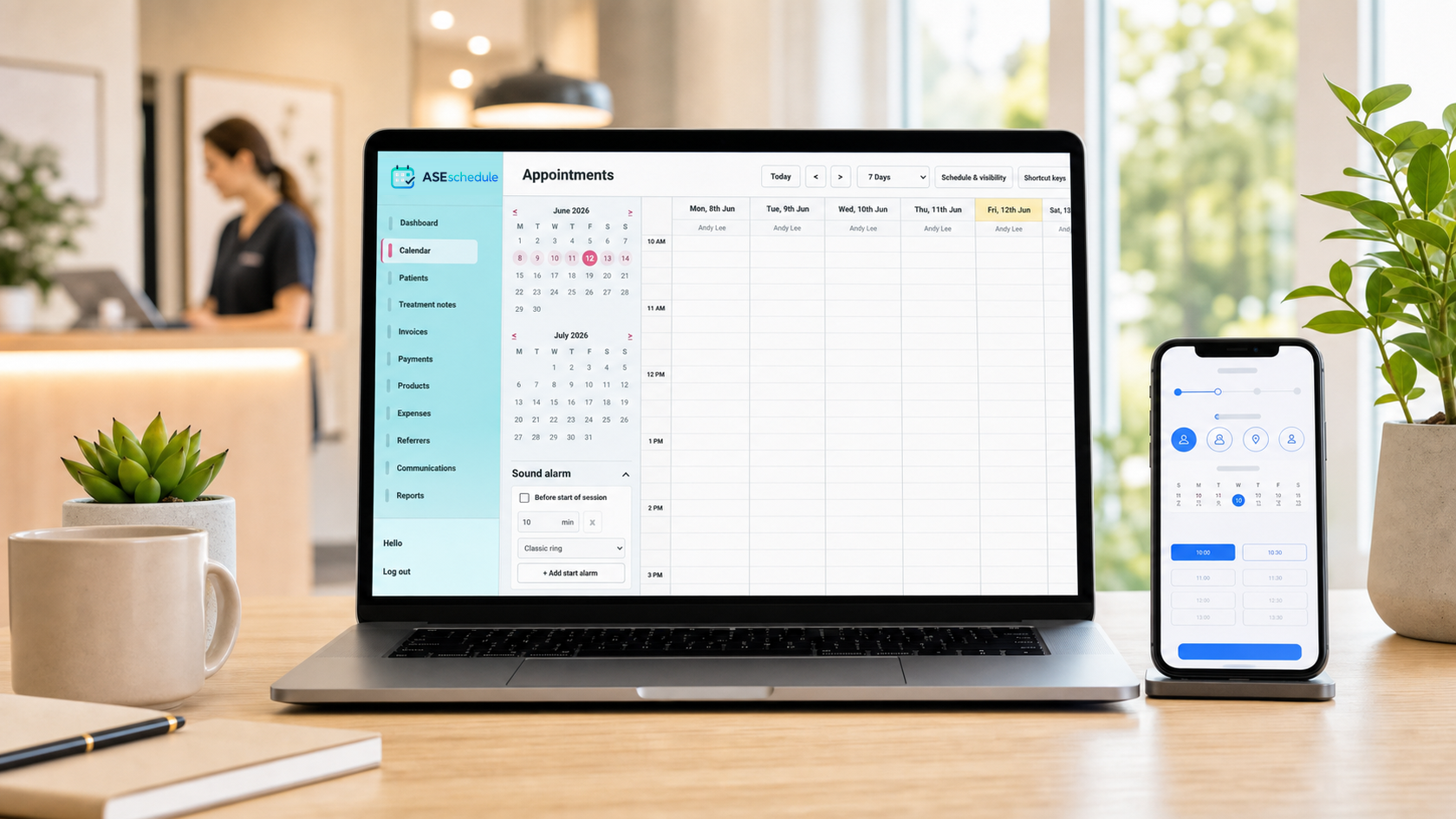
Fsterbook calendar with appointments and team schedules

Core workflow

The essentials, working together

Every feature is designed around a real appointment-based business rather than a collection of disconnected tools.

01

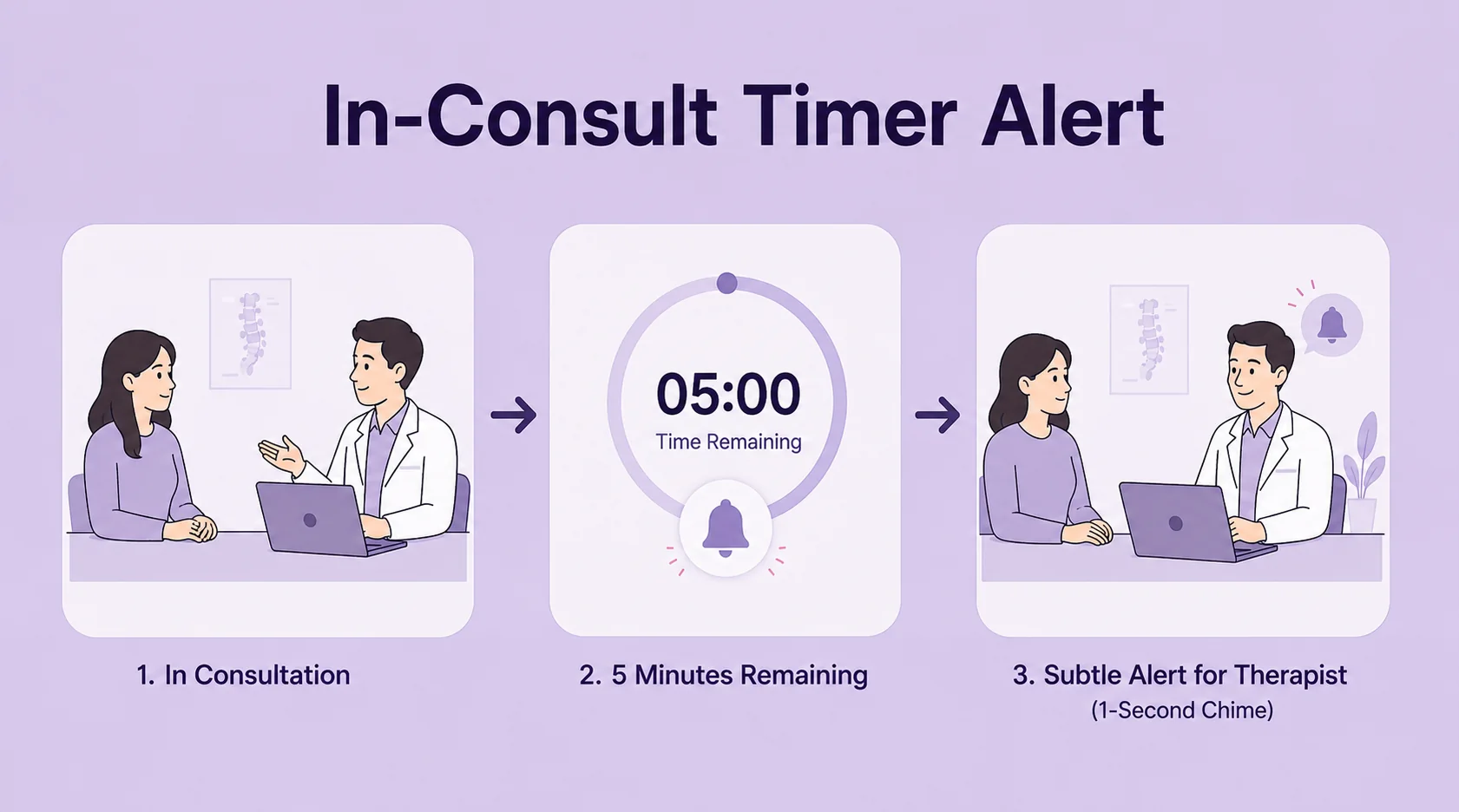
Live booking calendar

See appointments by day, week, practitioner, and location. Availability reflects working hours, time off, service duration, and existing bookings to help prevent clashes.

  • Staff and room schedules
  • Drag, resize, and reschedule
  • Unavailable time blocks
02

Online booking

Give clients a simple link where they can choose a service, practitioner, date, and available time without calling the front desk.

  • Business-specific booking page
  • Real-time available slots
  • Confirmation and rescheduling
03

Client profiles

Keep contact details, appointment history, preferences, documents, relationships, and important context attached to the right person.

  • Fast name and phone search
  • Visit and payment history
  • Files and client forms
04

Automated messages

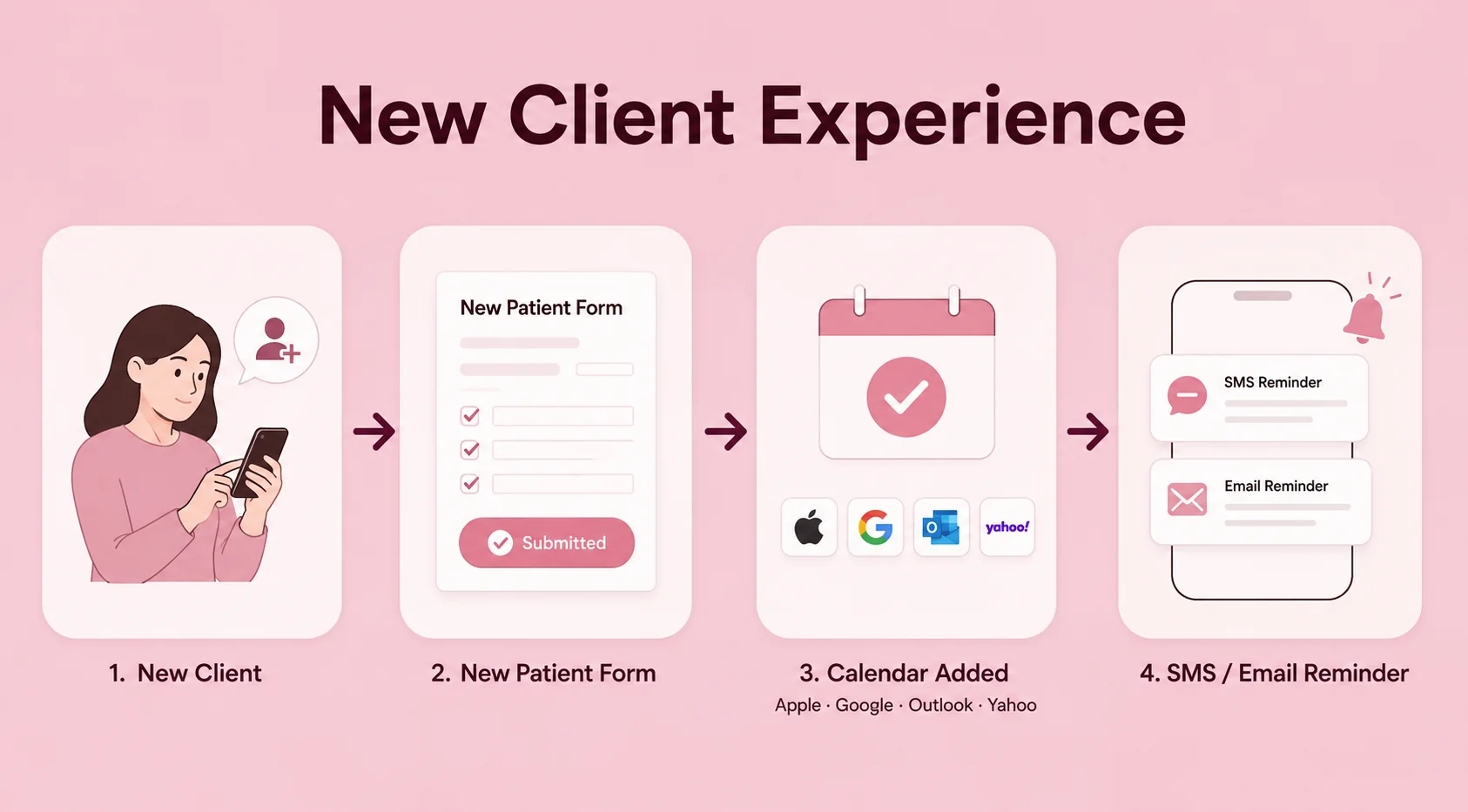
Send confirmations, reminders, changes, and follow-ups from reusable templates while keeping communication connected to the appointment.

  • Email and SMS reminders
  • Custom timing and templates
  • Replies and delivery records
05

Notes and documents

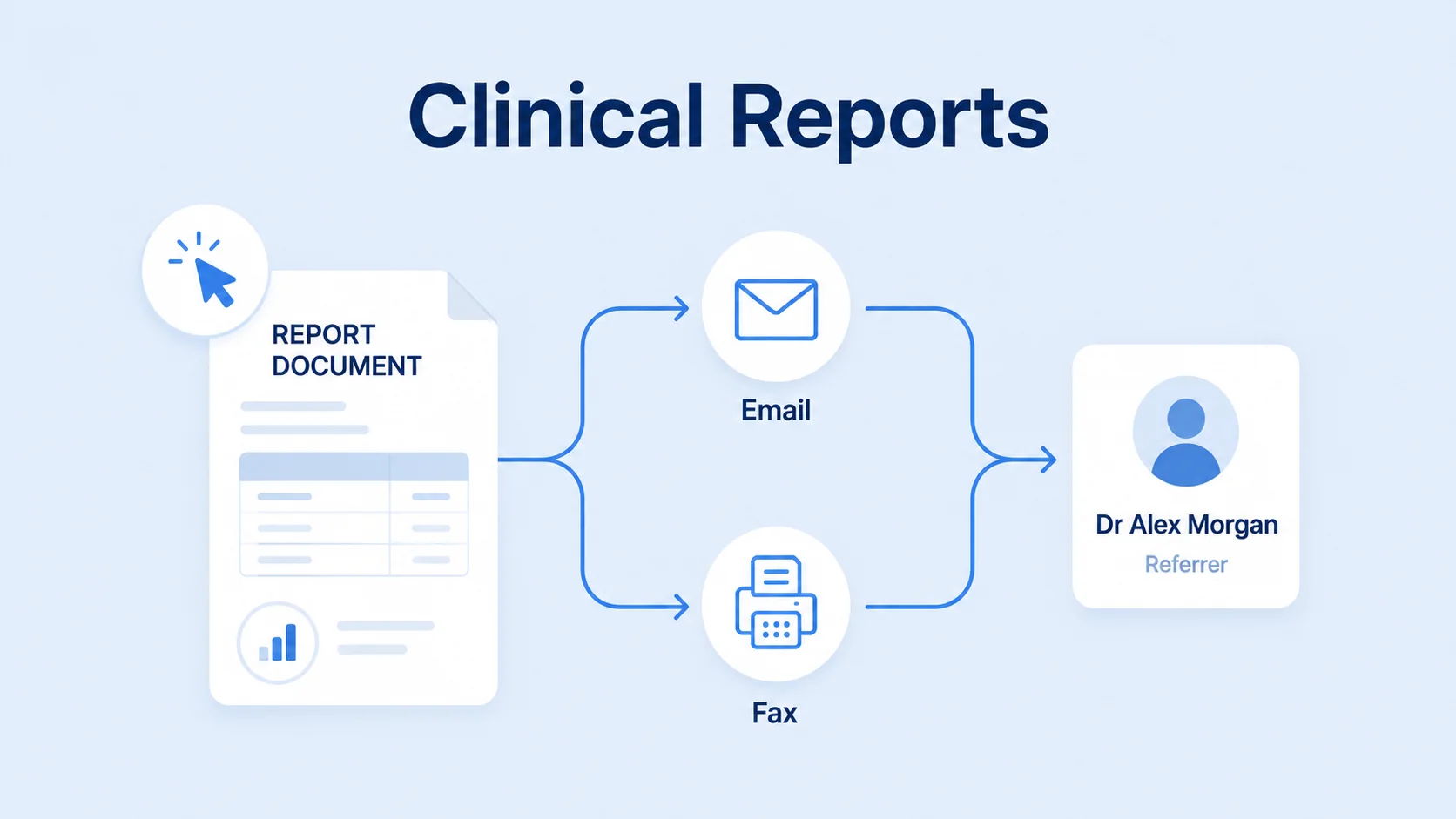
Create structured treatment notes, letters, forms, and supporting documents without rebuilding the same workflow after every visit.

  • Reusable note templates
  • Patient documents and PDFs
  • Appointment-linked records
06

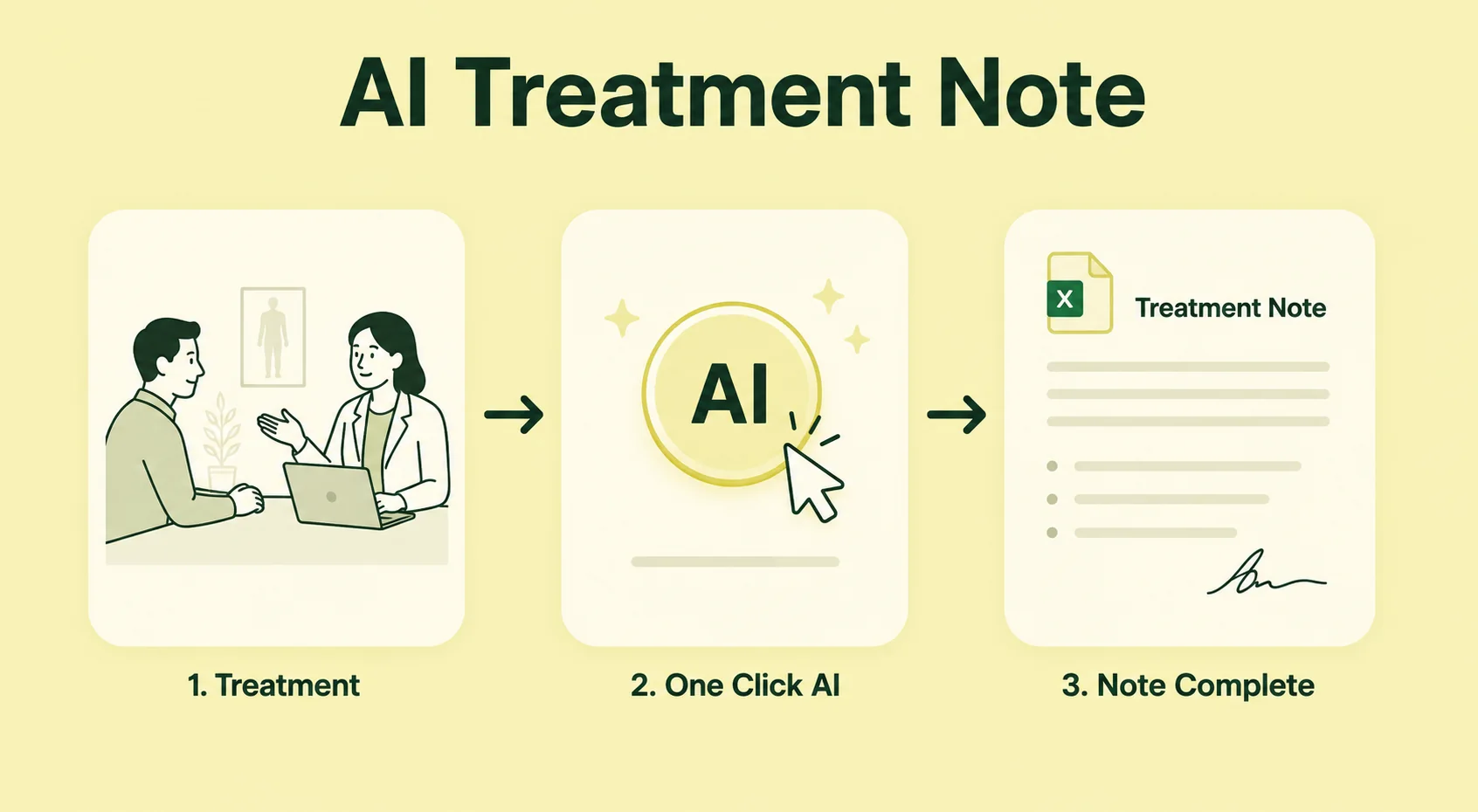
AI-assisted drafting

Turn practitioner input into a first draft of notes or letters, then review and approve the result before it becomes part of the record.

  • Draft support, never autopilot
  • Human review required
  • Reusable professional prompts
07

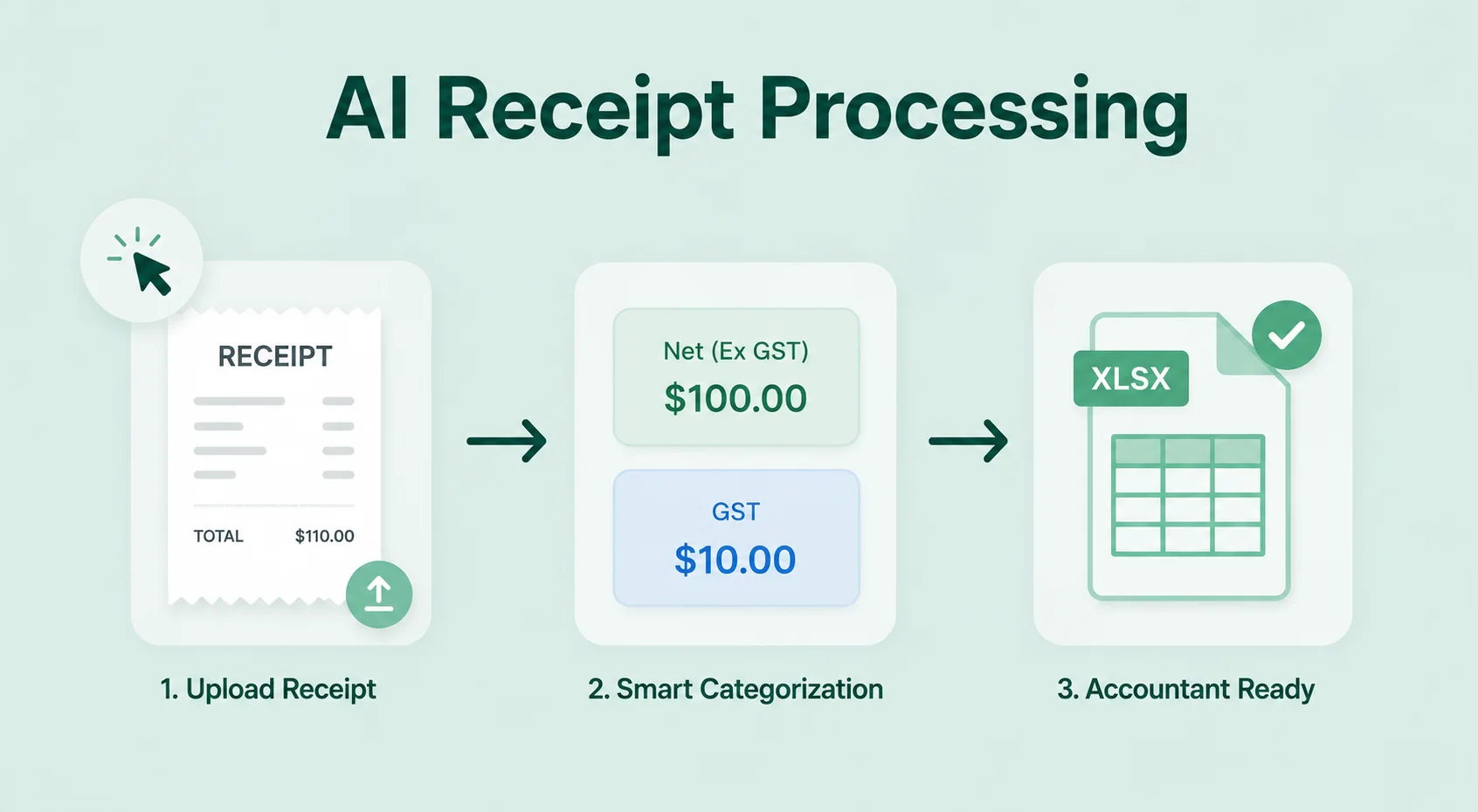
Invoices and payments

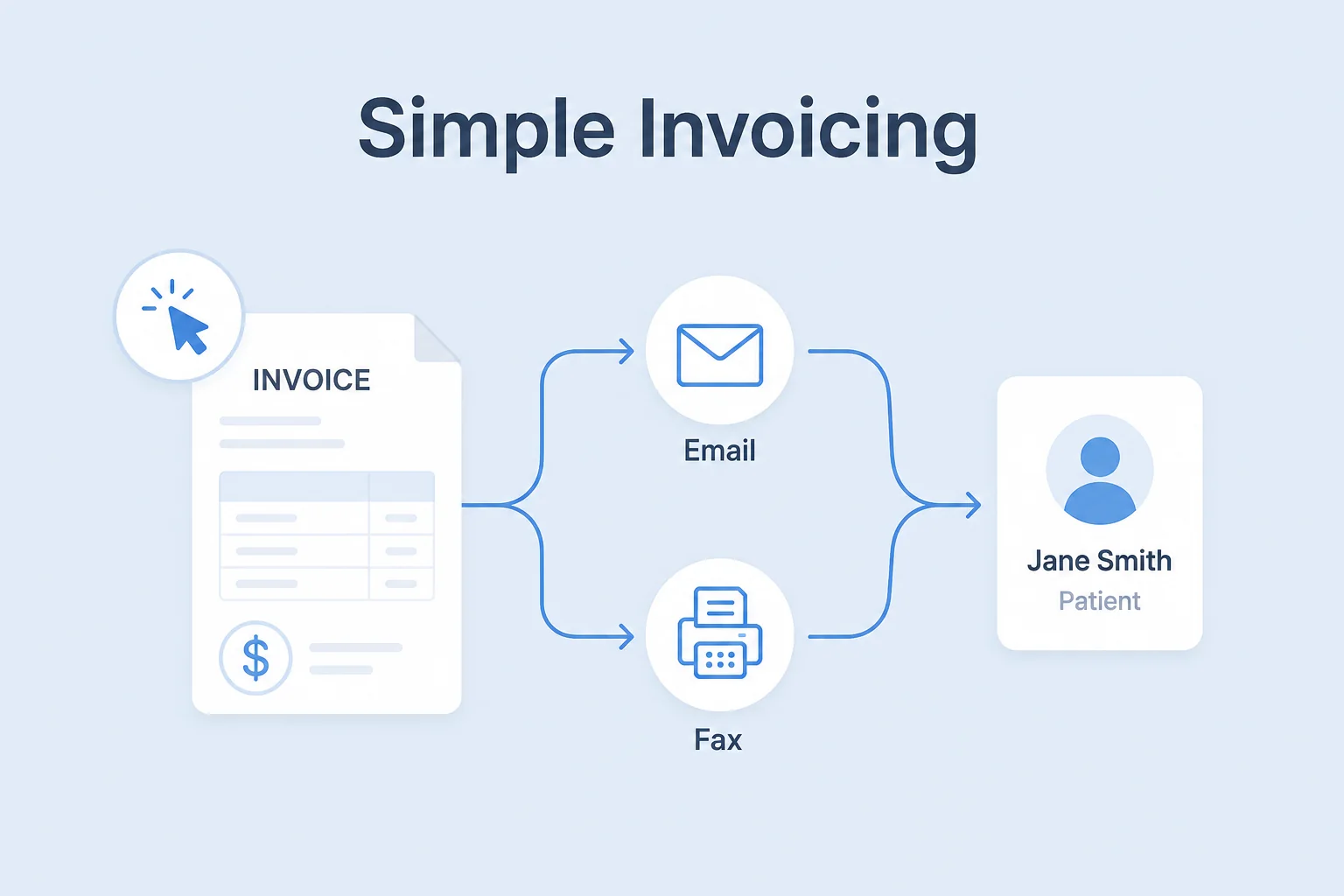
Track charges, payment status, receipts, and account activity alongside the appointment and client record.

  • Invoice and payment history
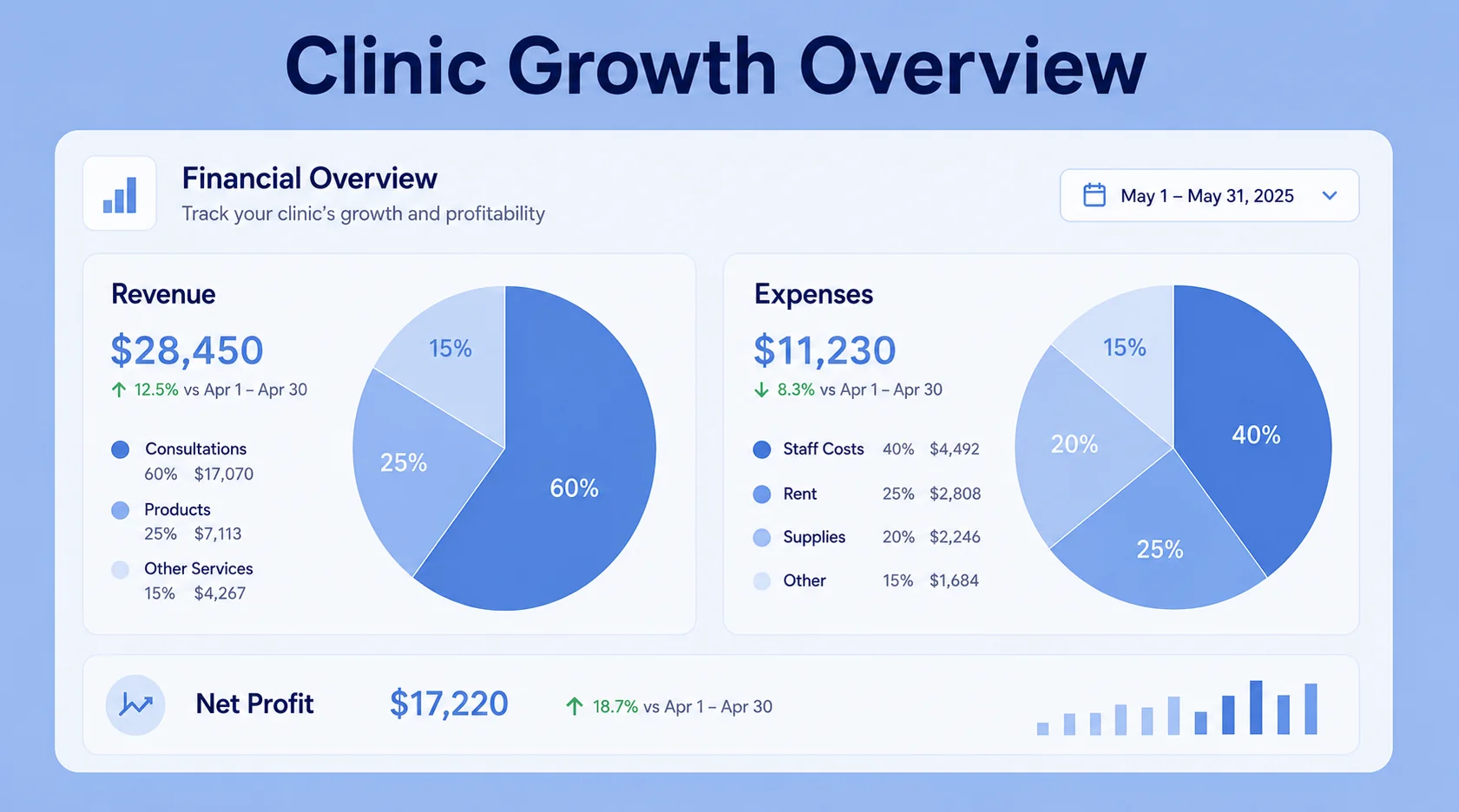
  • Plan and usage visibility
  • Clear account reporting
08

Team controls

Give each team member the access and schedule they need while keeping business-wide settings consistent.

  • Role-based access
  • Practitioner availability
  • Shared workspace settings

A calmer day

One continuous workflow

  1. 01Client books

    Only genuinely available times are shown.

  2. 02Team prepares

    History and client context are ready before the visit.

  3. 03Visit is recorded

    Notes, documents, invoices, and follow-up stay connected.

  4. 04Next step happens

    Reminders and rebooking keep the relationship moving.

See it in context

Try the booking experience for yourself

Open the demo booking page to see how the client-facing flow feels.

View demo booking page